This is one of the most important setup steps.
Please always stream in Maximum/Original quality.
To make sure everyone has a great experience on my Plex server, it’s really important to stream content in the Original (Maximum) Quality. When Plex is forced to compress the files to a smaller resolution, the video looks worse for you, and can negatively impact all other users.
Maximum and Original mean the same thing for our purposes.
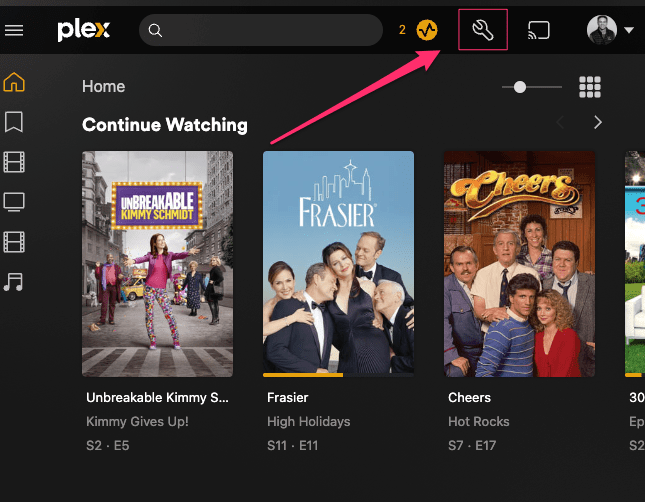
Locate Plex Settings. On Web, it is in the top right of the screen. There, you will be looking for a choice called Quality, or Video.
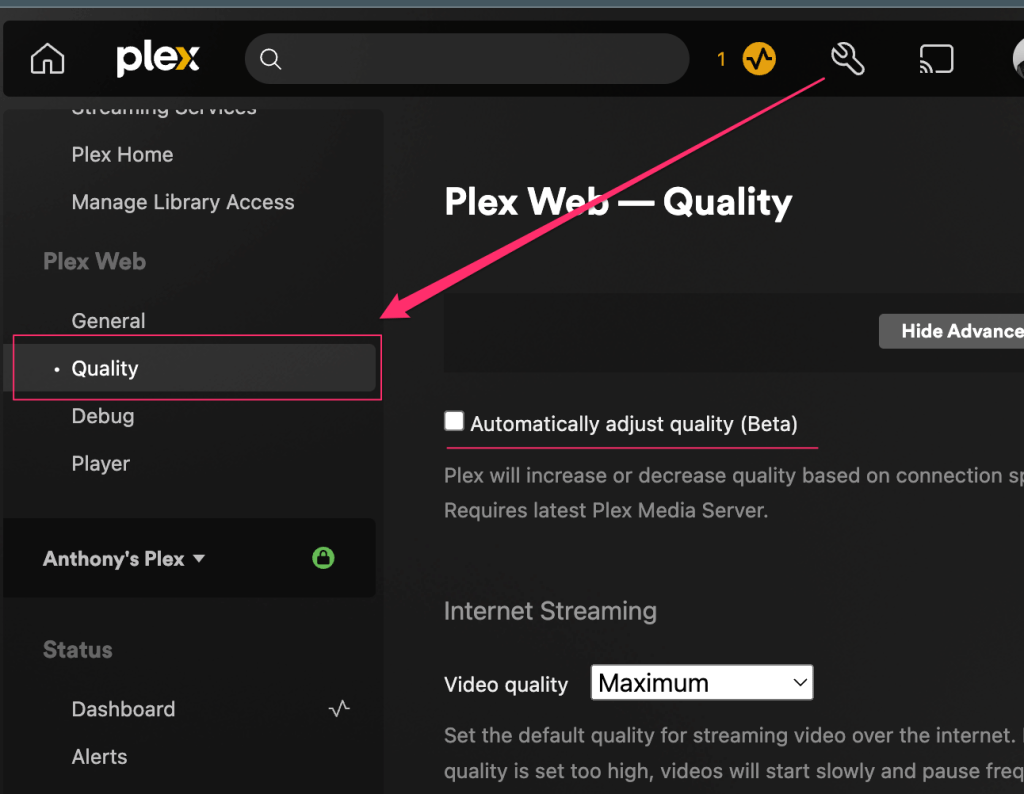
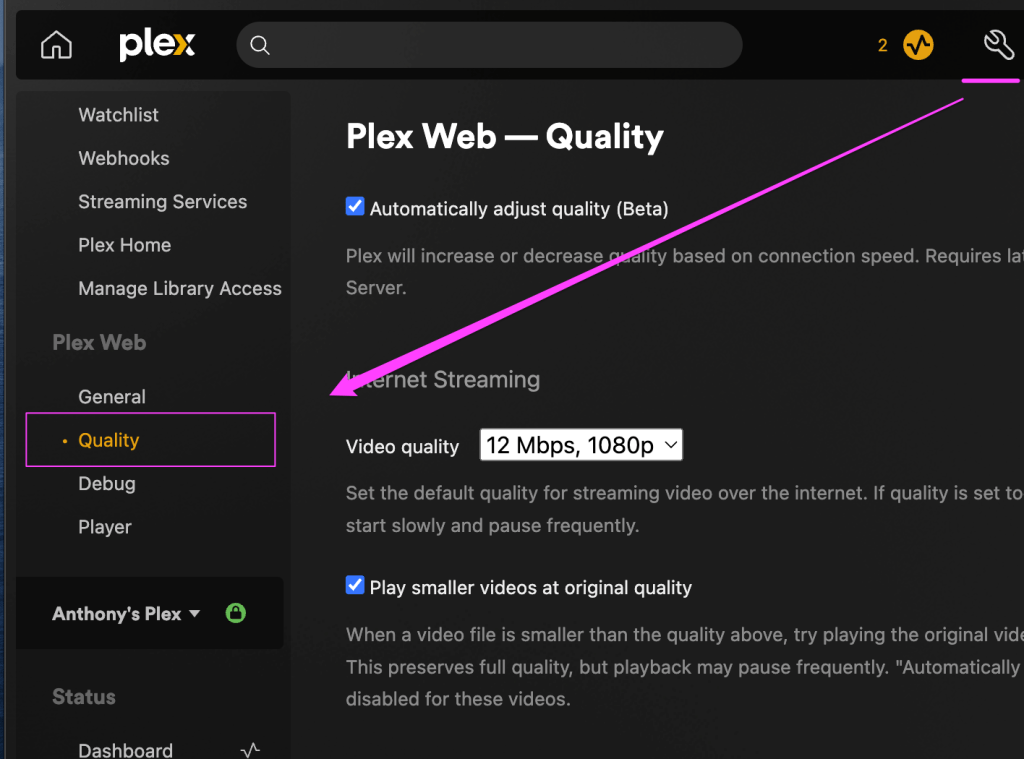

In the Quality Settings, Disable the Automatically adjust quality setting. (It may not be named exactly this in your interface, but something similar).
Change video quality to Maximum or Original (depending on what it’s named).
How To Change Quality While Streaming
You can check the quality of your stream while playing a video. When you interact the movie, you’ll see a menu called Playback Settings. Click Show All, then choose Original (it may say “Maximum” instead).
 Webhead Media